Joy2 🕹️
A macOS Lab pad for the HUENIT robotic arm, driven by a Speedlink Competition Pro Extra USB joystick. Continuous X/Y table motion, intuitive Z-elevation & cup angle control, and instant suction toggling.
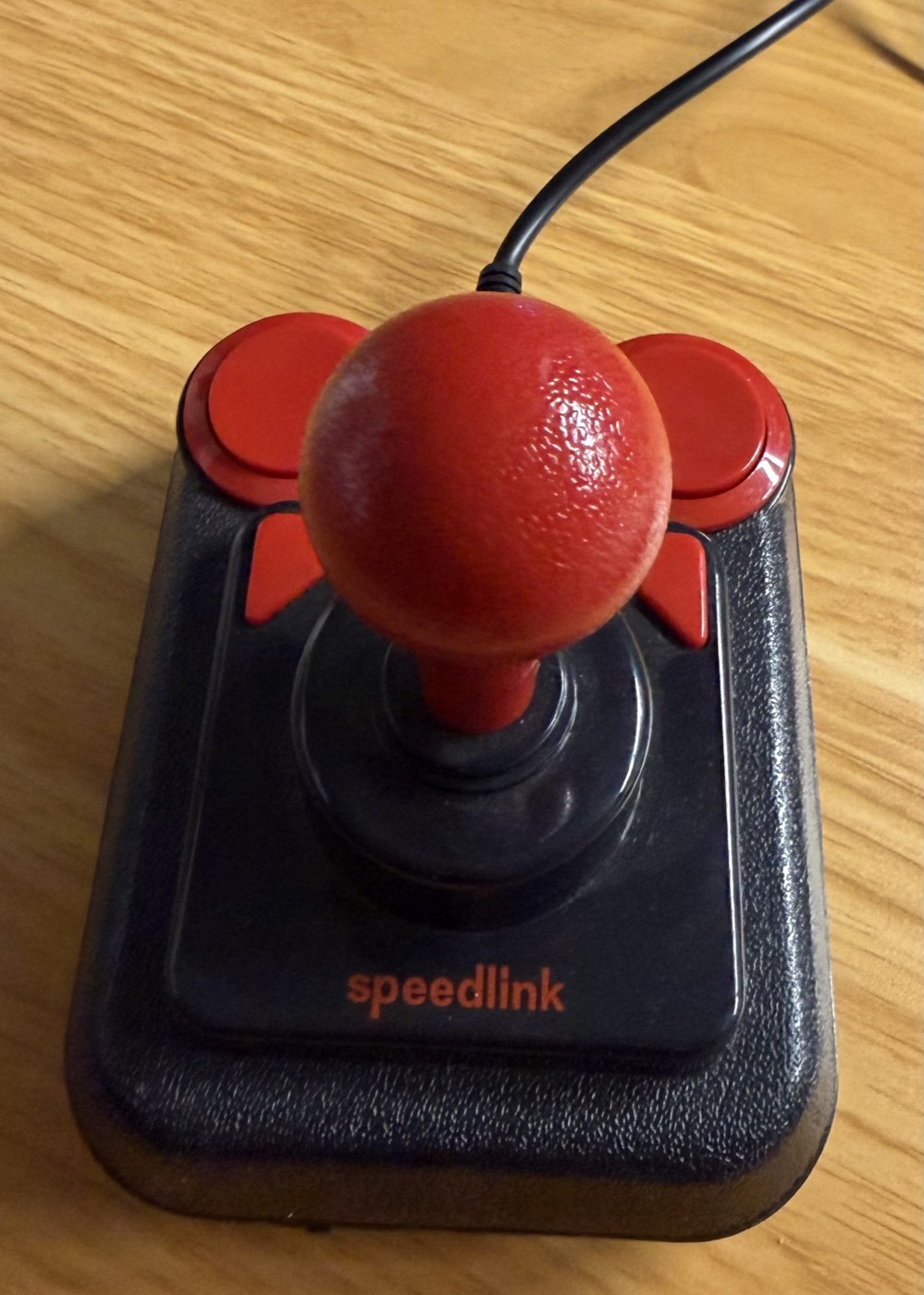
Precision Physical Control for HUENIT
Turn a classic arcade joystick into a fast, tactile laboratory pad for continuous robotic arm manipulation.
Continuous X/Y Table Jogging
Hold the joystick in any direction to smoothly traverse the Cartesian table workspace with continuous jog commands.
Z-Elevation & Wrist Pitch
Hold the left fire button to switch the stick to Z-axis height (forward/back) and suction cup pitch angle (left/right).
Instant Suction Toggle
Tap the right fire button to instantaneously engage or release vacuum suction via the tested M1400 tool protocol.
Interactive Visual Pad
The macOS user interface dynamically lights up the active matrix cells corresponding to the real-time joystick deflection.
Hardware-Safe Motion
Instant emergency stop via STOP button, Esc key, or window blur. Zero collision risk by omitting destructive G28 commands.
Built-in Cheatsheet
Access a labeled photo overlay anytime directly inside the app to inspect stick mapping, axes, and button configurations.
Quick Start & Running Joy2
Launch Joy2 from the pre-built application bundle or run directly from the Swift Package:
HUENIT_HUEARM) and Speedlink Competition Pro Extra USB joystick.